

Great Vibes
Formal Calligraphy
Lettering studio
Compare 18 script fonts. Download your lettering as a transparent PNG or scalable SVG.
Choose a typeface to preview, or export directly from the collection.
Formal Calligraphy
Fine Wedding Script
Lively Bounce Script
Monoline Autograph
Delicate French Script
Classic Brush Script
Aristocratic Copperplate
Flowing Brush Script
Vintage Autograph
Tall Fine Calligraphy
Natural Pen Notes
Warm Felt-Tip Cursive
Casual Notebook Script
Retro Surf Brush
Athletic Vintage Script
Sign Painter Brush
Traditional school cursive
Textured handwritten notes
CursivePal is a free cursive writing generator with 18 open-source script fonts. Type a phrase, compare calligraphy styles, and adjust the size, spacing, and ink color in the live preview. Download a transparent PNG for placement over a design or an SVG that outlines characters supported by the selected font. The tool runs in your browser and requires no account.
| Format | Best for | What you get |
|---|---|---|
| Unicode text | Social bios, captions, and messages | Copies as text. The app or device decides how the characters look. |
| PNG image | Email signatures, invitations, and layered designs | Exports a fixed-size image with a transparent or white background. |
| SVG outline | Scalable artwork, print, and design editors | SVG converts supported characters into paths. Unsupported characters may look different in other apps. |
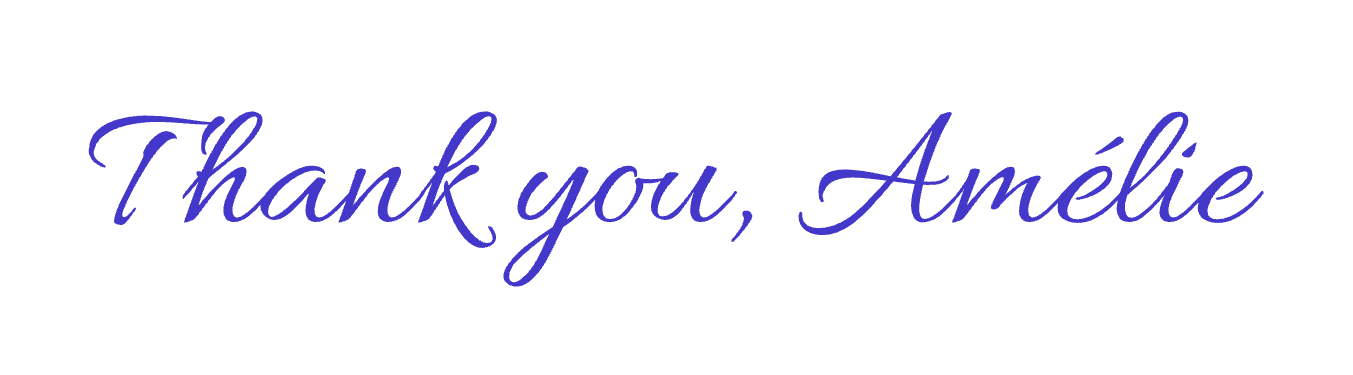
“Thank you, Amélie” set in Allura with indigo ink and a transparent background. Compare its outlined letters with the mixed-script SVG, where unsupported characters use the device’s font.
Type a word or phrase, choose a font, and tweak the size, spacing, and ink color. Download a PNG for a document or an SVG for artwork you plan to resize.
The lettering typefaces are open source under SIL OFL or Apache 2.0. See the license below the preview for the selected font.
Open Copy & Paste, enter your text and copy a style into your bio or message. Use PNG or SVG when you need lettering as an image.
SVG converts supported characters into paths. Unsupported characters may look different in other apps.
Each typeface has its own license file. Read the Great Vibes license or open the license for your chosen typeface below the canvas.

